
Download Wink – video editing, short video, social media, AR filters, live photo beautification, 3D body reshaping, face slimming, video effects, music library, premium subscription
Overview
Wink - Video Enhancing Tool is a free multimedia social media application designed for creating and sharing short videos. Developed by Meitu China Limited, the software serves as a dynamic platform for users to craft visually engaging content using a suite of built-in editing tools. It is particularly tailored for individuals interested in social media expression, offering features such as AR filters, stickers, and video effects to enhance video quality and creativity. The app has gained traction in Asian markets and has expanded into the United States and other English-speaking regions, indicating its appeal across diverse audiences.
Wink targets content creators, casual users, and social media enthusiasts who seek intuitive tools for video production without requiring advanced technical skills. Its focus on quick, shareable video content aligns with current trends in digital communication. Real-world use cases include personal storytelling, influencer content creation, and social media engagement. The platform supports live photo beautification, allowing users to refine static images with dynamic enhancements. While the free version provides robust functionality, access to advanced tools such as 3D body reshaping and face slimming is limited to premium subscribers, offering a tiered experience.
Key Features & Capabilities
- AR Filters and Video Effects: Apply real-time augmented reality filters and dynamic visual effects to videos during recording or post-editing, enhancing visual appeal and creativity.
- Stickers and Emojis: Add interactive stickers and emojis to videos to increase engagement and expressiveness in short-form content.
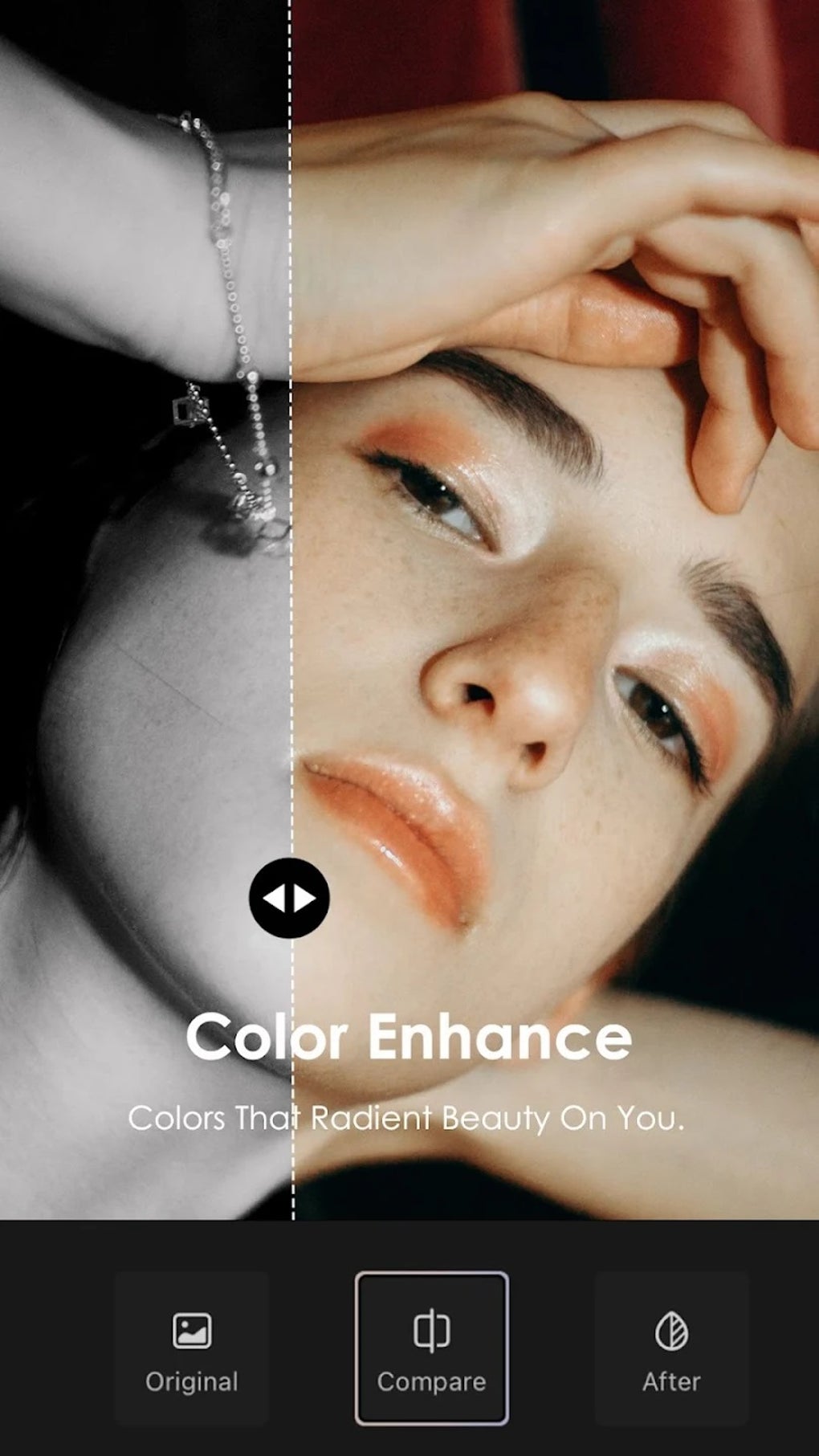
- Live Photo Beautification: Enhance static live photos with intelligent adjustments to skin tone, facial features, and overall clarity.
- 3D Body Reshaping: Use advanced tools to digitally refine body contours with precision, offering a customizable approach to physical appearance in videos.
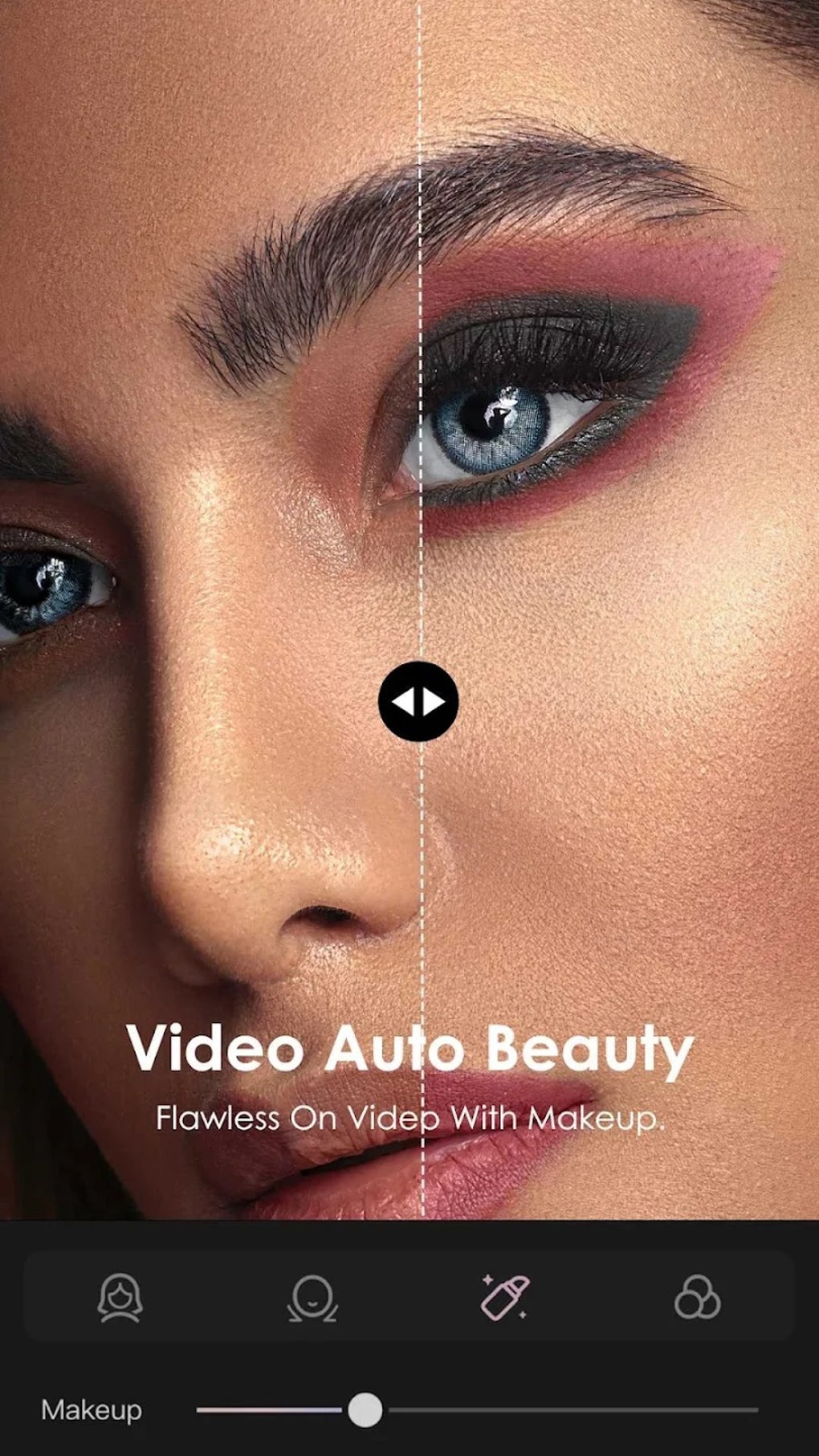
- 3D Manual Face Slimming: Apply targeted facial adjustments to slim and reshape facial features with manual control for a more natural look.
- Video Trimming, Cropping, and Merging: Edit video segments by cutting, resizing, and combining clips to create cohesive and professional-looking content.
- Music Integration: Add background music from a licensed library or import personal tracks to synchronize with video content.
- Premium Subscription Access: Unlock exclusive features through a paid subscription model, offering enhanced editing capabilities and advanced tools.
These features are designed to streamline the video creation process, enabling users to produce polished content quickly. For example, a user might record a short video, apply an AR filter, add a trending sticker, trim the clip, and overlay music—all within a single workflow. The integration of 3D reshaping tools allows for detailed personalization, appealing to users who prioritize aesthetic refinement in their visual output.
User Interface, Workflow & Performance
The user interface of Wink is structured around a central video creation hub, with intuitive navigation between recording, editing, and sharing functions. The layout emphasizes visual feedback and real-time previews, allowing users to see the impact of filters and effects immediately. The workflow is optimized for speed and simplicity, making it accessible to users with minimal video editing experience.
Navigation is consistent across both Android and iOS platforms, ensuring a familiar experience across devices. The app’s performance is generally responsive during standard operations such as applying filters and adding stickers. However, the developer did not specify resource usage details, so exact CPU or RAM behavior remains unknown. Performance observations are based on general software behavior patterns. Stability appears to be maintained during typical use, though intensive editing tasks involving 3D reshaping may affect responsiveness depending on device capabilities.
Compatibility & System Requirements
Wink is available for Android and iOS operating systems, supporting mobile devices across both platforms. The current version is 2.5.1, with an installation size of 150MB. This indicates a moderate footprint, suitable for most modern smartphones with sufficient storage space.
Exact system requirements were not listed. Compatibility information is limited to the supported operating systems. Users should ensure their device meets the minimum specifications for the respective OS to run the application smoothly. The developer did not provide additional system requirements, so potential users should verify device compatibility through official app store listings.
Pros and Cons
Pros
- Free to download and use with core editing features available
- Rich set of AR filters, stickers, and video effects for creative expression
- Advanced tools like 3D body reshaping and face slimming for personalized enhancement
- Supports live photo beautification for static image refinement
- Intuitive interface designed for quick video creation and sharing
- Music library integration with licensed tracks and personal audio support
- Available on both Android and iOS platforms
Cons
- Advanced editing tools require a premium subscription
- Limited information on system requirements and performance impact
- Heavy use of 3D editing features may affect device performance
- App size of 150MB may be large for users with limited storage
- Availability of certain features may vary by region
FAQ Section
Is Wink available for both Android and iOS?
Yes, Wink is compatible with both Android and iOS operating systems, allowing users to access the app on a wide range of mobile devices.
Is Wink free to use?
Yes, the app is free to download and use. However, certain advanced features are restricted to users with a premium subscription.
Can I use Wink without an internet connection?
Basic editing functions such as trimming, cropping, and applying filters can be performed offline. However, access to the music library, AR filters, and online sharing features requires an internet connection.
What type of license does Wink use?
Wink operates under a freemium model. The core application is free, but premium features are available through a paid subscription.
How often does Wink receive updates?
The app was last updated on May 10, 2024. While update frequency is not specified, developers typically release updates to improve performance, fix bugs, and introduce new features.
Final Thoughts + CTA
Wink - Video Enhancing Tool delivers a compelling blend of creative tools and social media integration, making it a strong contender in the short video editing space. Its combination of AR filters, live photo enhancement, and advanced 3D editing features sets it apart from standard video apps. While the free version offers significant functionality, the premium subscription unlocks powerful tools for users seeking professional-level results.
It is particularly well-suited for social media creators, influencers, and casual users who value visual polish and quick content production. The app’s cross-platform availability and intuitive workflow further enhance its accessibility.
Download Wink now to explore a feature-rich video editing experience and bring your creative vision to life with ease.





.png)

